











HedgerX futures tutorial: margin, leverage and orders
Transfer funds to the futures account, set the position mode, margin mode and leverage, pick an order type, then open a long or a short and watch the position. Leverage multiplies losses as well as gains.
If you do not set leverage, HedgerX uses a default of 20x. HedgerX's own tutorials tell beginners to use isolated margin and 2x to 5x, and warn that leverage above 10x is easily liquidated.
HedgerX states that it does not guarantee profits and will neither share gains nor cover losses. This page is not financial advice.
Futures steps in HedgerX's recommended order
- Transfer funds to the futures account. In Wallet, choose Transfer and move USDT from the spot account to the futures account.
- Set the position mode. Hedge mode lets you hold a long and a short in the same pair at once. You cannot change the mode while you hold positions or open orders.
- Set the margin mode. Isolated keeps each position's margin separate. Cross uses your whole balance in that currency.
- Set the leverage. You can use different leverage for long and short positions. It cannot be changed while a pair has open positions or orders.
- Choose the order type. Limit, market, trigger or post-only. The table below explains each.
- Set price and size, then confirm. Press Open Long if you expect the price to rise, or Open Short if you expect it to fall.
- Monitor the position. Pending orders sit in Open Orders. Filled orders show under Positions with entry price, liquidation price, margin, leverage and unrealised profit or loss.
- Close it or set take-profit and stop-loss. You can close manually or let a take-profit or stop-loss order close it for you.
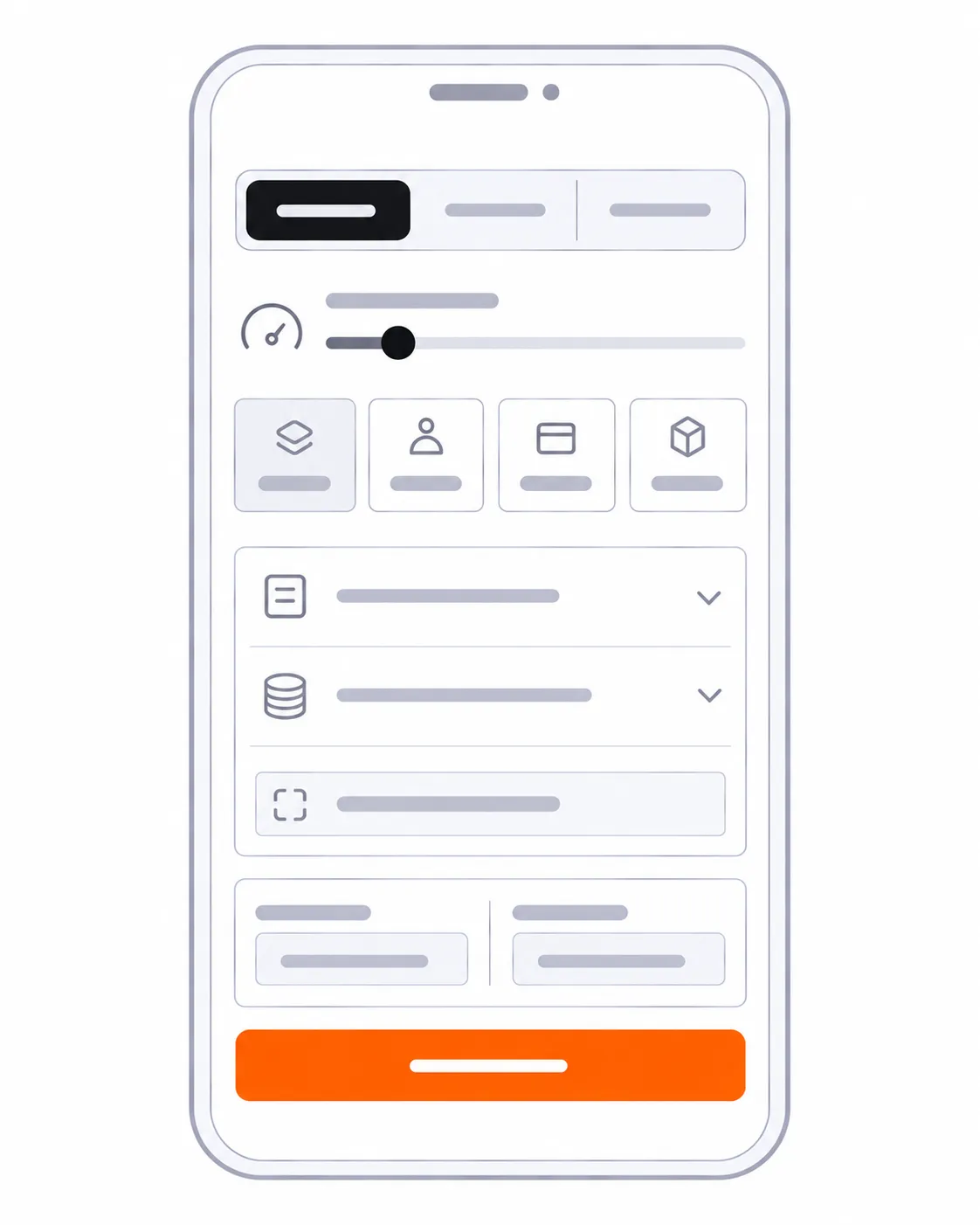
Order types
| Type | How it works | Time in force |
|---|---|---|
| Limit | You set the price, the base unit (BTC, USDT or contracts) and the quantity. It fills when the market reaches your price. | GTC, IOC or FOK |
| Market | Fills at once at the best available price. | Not applicable |
| Trigger | You pick the price type (last, mark or index) and a trigger price. At the trigger, a limit or market order is placed, like a stop-limit order. | Long-term, 7 days or 24 hours |
| Post-only | Always rests as a maker order, so it never takes liquidity. | Not applicable |
GTC stays until filled or cancelled. IOC cancels the unfilled part. FOK fills completely or cancels at once.
A worked example from HedgerX
A taker opens a 0.1 BTC long at 50,000 USDT with 10x leverage and 500 USDT of margin. The 0.06% taker fee makes the entry cost 3 USDT. The funding rate is negative at -0.025%, so the holder receives 1.25 USDT. The price rises to 60,000 USDT and the holder closes as a maker. The closing PnL is 1,000 USDT and the 0.02% closing fee is 1.2 USDT, so the realised result is 997.05 USDT. By HedgerX’s rule of thumb, a 10x long gets close to liquidation after a fall of about 10%, which from 50,000 USDT is near 45,000 USDT.
Fees
Futures fees on HedgerX are 0.02% for makers and 0.06% for takers on most pairs. Funding fees go between traders, not to HedgerX, and settle every 8 hours. See fees and funding rate.
Frequently asked questions
Which margin mode should a beginner use?
HedgerX describes isolated margin as suitable for beginners, because a liquidation costs only the margin of that position.
What is hedge mode?
It lets you hold both a long and a short in the same pair at the same time. Position mode cannot be changed while you have open positions or orders.
Why did my limit order fill immediately?
If a buy limit sits above the market price or a sell limit sits below it, the order matches at once at the best available price. Open Long should be placed below the current price and Open Short above it, otherwise it executes as a market order.
Can I cancel a limit order after it executes?
No. HedgerX's risk disclosure says an order that has executed cannot be cancelled, and that you carry the trading risk.
Open a HedgerX account
Registration takes a few minutes. HedgerX states that its services are not available in China, Turkey, Kazakhstan and Indonesia. Futures trading can liquidate your position. This page is not financial advice.
Open a HedgerX accountThis is a referral link. We may earn a commission if you register.