











How to transfer funds between HedgerX accounts
HedgerX splits your assets across a funding account, a spot account and a futures account. Move money to the account you want to trade from before you place an order.
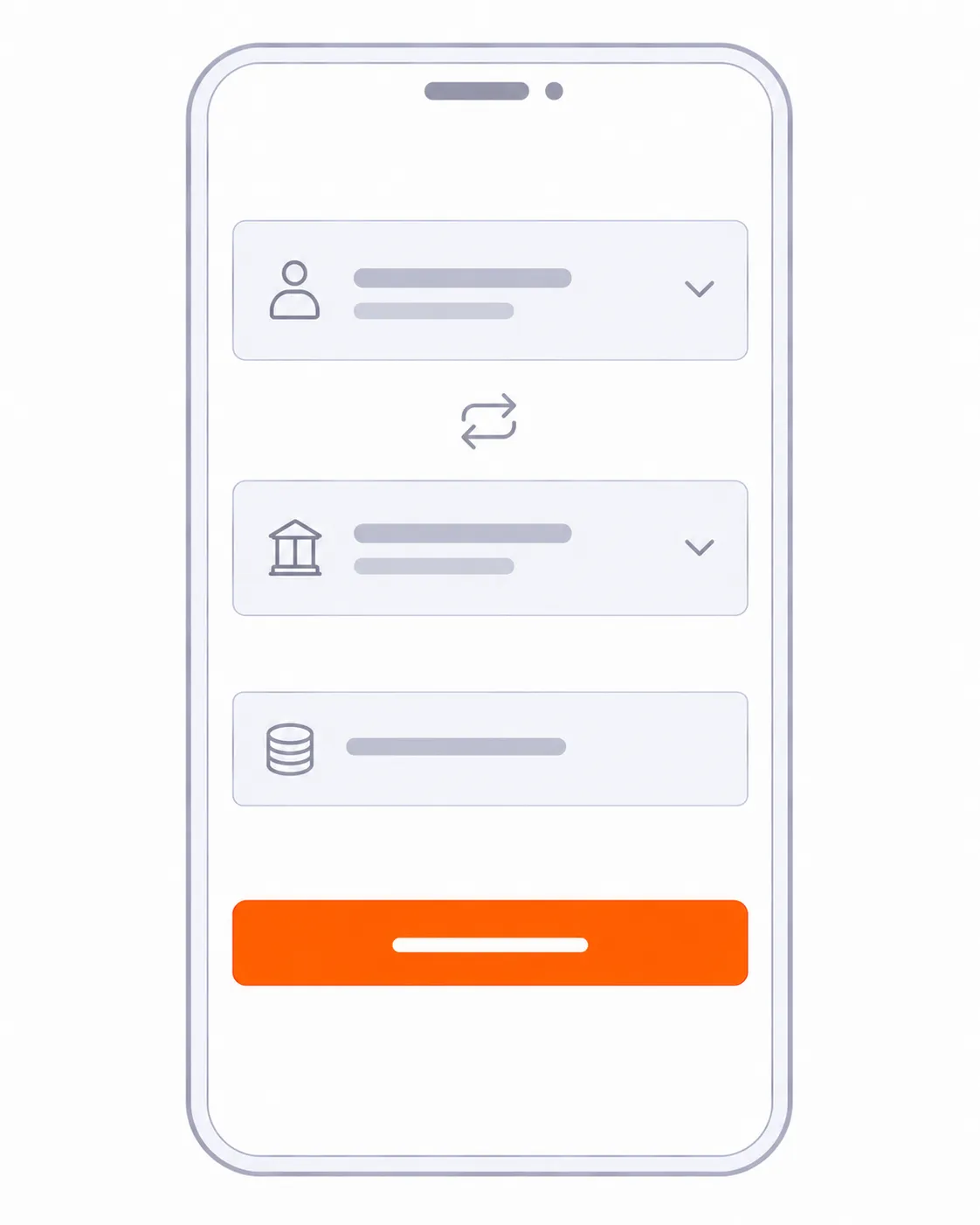
Transfer steps
- Open Wallet. In the app, tap Wallet in the bottom menu.
- Tap Transfer. It sits at the top of the page.
- Set the direction. For example from the spot account to the futures account.
- Choose the coin and the amount. Futures positions on USDT-margined contracts use USDT.
- Confirm. Check the balance in the destination account.
HedgerX describes this as a multi-account risk-control architecture. Spot trading draws on your spot account and futures trading draws on your futures account, so a balance in one does not fund orders in the other.
Frequently asked questions
Why can I not trade after depositing?
Deposits usually land in the funding account. Transfer the amount to the spot or futures account first.
Can I transfer funds that sit in open orders?
No. Funds locked in open orders must be released before you can move or withdraw them.